Schedule and Email Charts
Contents [hide]
Overview
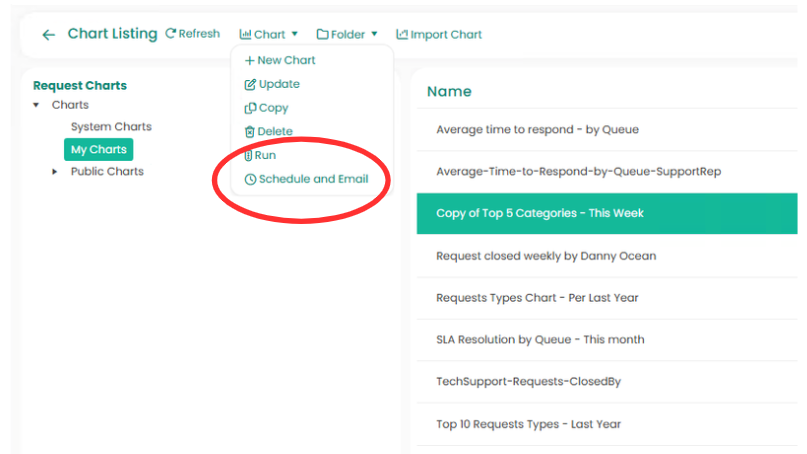
Charts can be scheduled from going to the Analytics tab, then selecting Charts.- The user can select a chart from the listing, then select “Schedule & Email” from the Charts section of the Ribbon Toolbar.
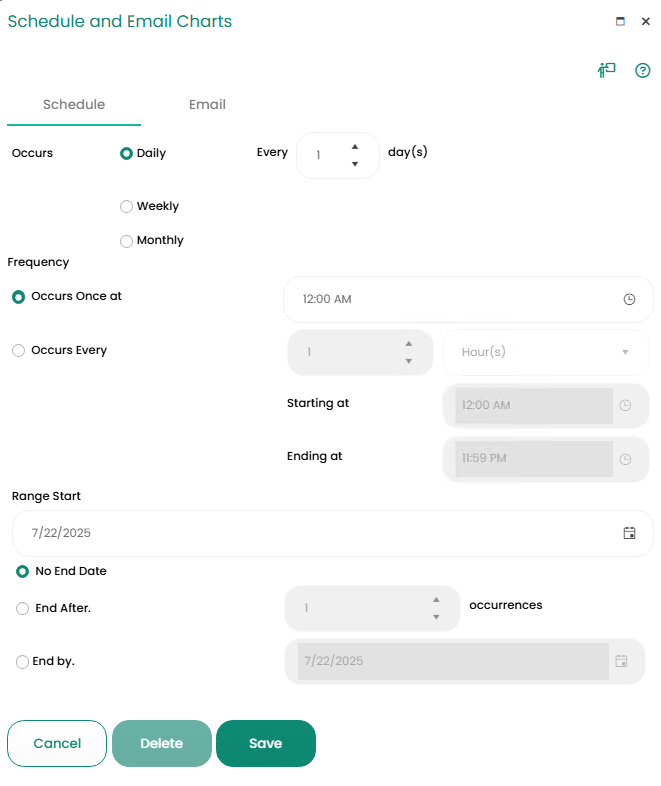
- The “Schedule and Email Charts” dialog will be displayed, allowing the user to set a schedule and select an email templates.
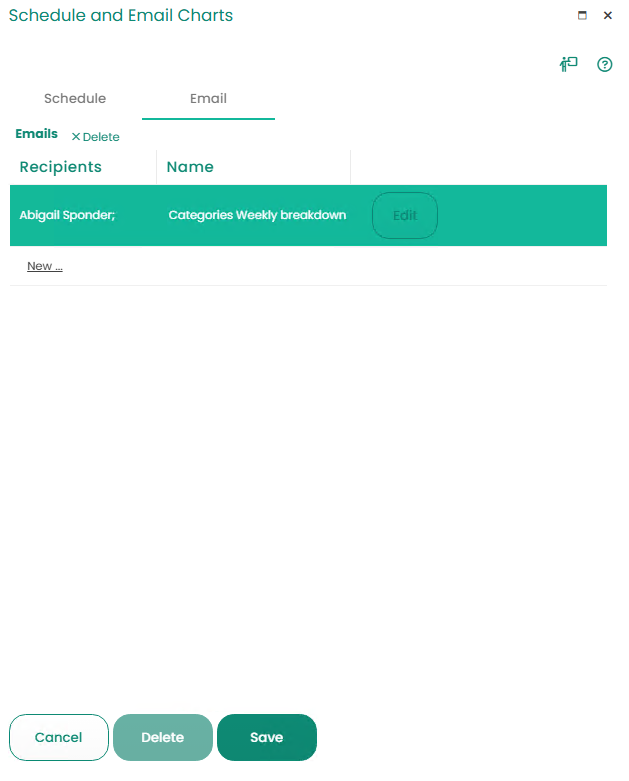
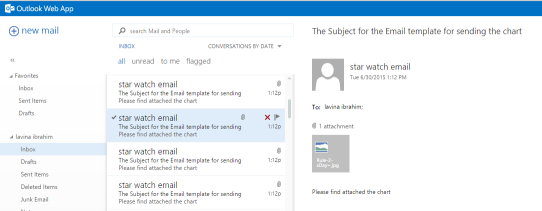
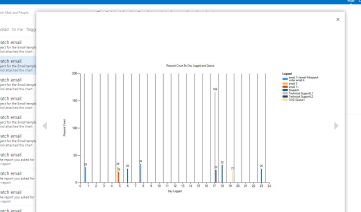
- The user will receive an email with the chart attached as a JPG image.