
Configuration/Setup
From this section, users can configure system-wide settings, including account information and encryption, and time-sensitive aspects of ServicePRO.
Interactive User Interface
To configure ServicePRO, open the ServicePRO menu, and select the Setup tab. NOTE: To use the options under Setup, please run ServicePRO on a device with a higher screen resolution/browser size: 1024X768 or higher
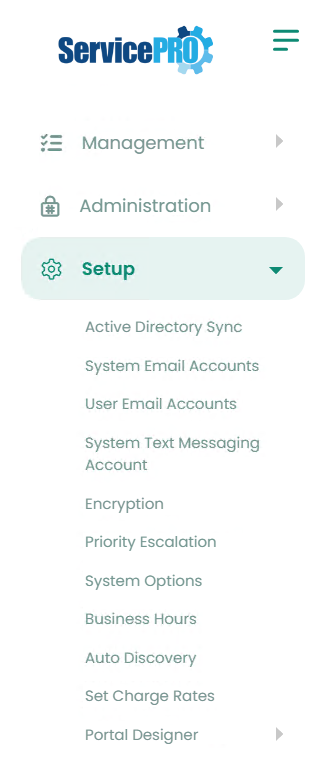
Pages in this Section
 | Active Directory Synchronization |  | System Options |
|---|---|---|---|
 | System Email Accounts |  | Business Hours |
| User Email Accounts |  | Auto Discovery |
 | System Text Messaging Account |  | Set Charge Rates |
 | Encryption |  | Portal Designer |